50cm Monitor Light Bar vs 30/40cm USB Light Bar for Small Desks
This guide may earn a commission when readers buy through affiliate links.
Quick verdict
The 50cm monitor light bar is the safer buy if your laptop desk has a fixed monitor and you want the light to feel built into the setup.
The 30/40cm USB light bar makes more sense if the desk is narrow, temporary, or mainly needs one dark corner fixed for less money.
Skip both if screen glare is the real problem. A light bar helps the desk surface, not a badly placed monitor.
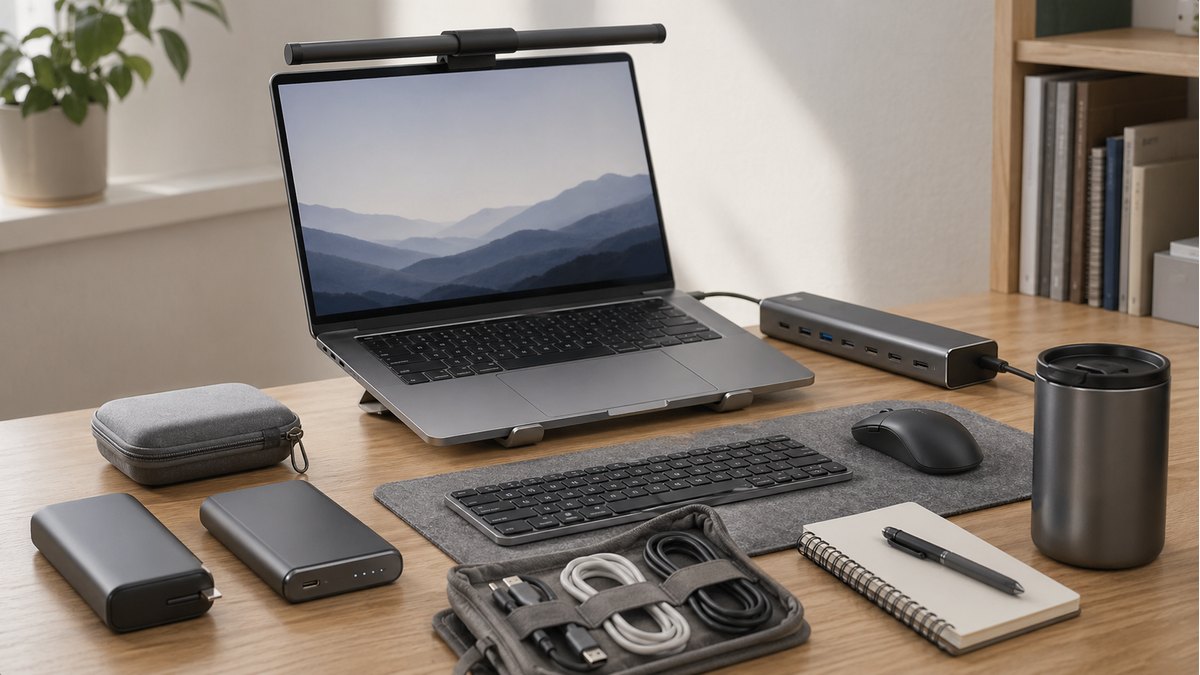
A small laptop desk usually does not need the biggest lamp. It needs light that stays out of the way while making the keyboard, notes, and screen area easier to live with.
| Pick | Better fit | Watch-out |
|---|---|---|
| 50cm Computer Monitor Light Bar | Wider monitor lighting and a more settled desk | Can feel oversized on a tiny shelf desk |
| 30/40cm USB Monitor Light Bar | Cheap USB lighting for tight corners | Less coverage for a full monitor setup |
Who should get which one
Get the 50cm bar if
the monitor is the center of the desk and you want a cleaner, more permanent lighting fix.
Get the 30/40cm bar if
you move things around, use a compact laptop stand, or only need a cheap fix for one darker corner.

50cm Computer Monitor Light Bar
Best for a fixed monitor desk.
Choose this one when the monitor never leaves the desk. It looks more like part of the setup, but on a tiny shelf desk the longer bar can feel like one more object sitting above the screen.
Check the product page again before buying. AliExpress listings can change price, shipping, and included parts without much warning.
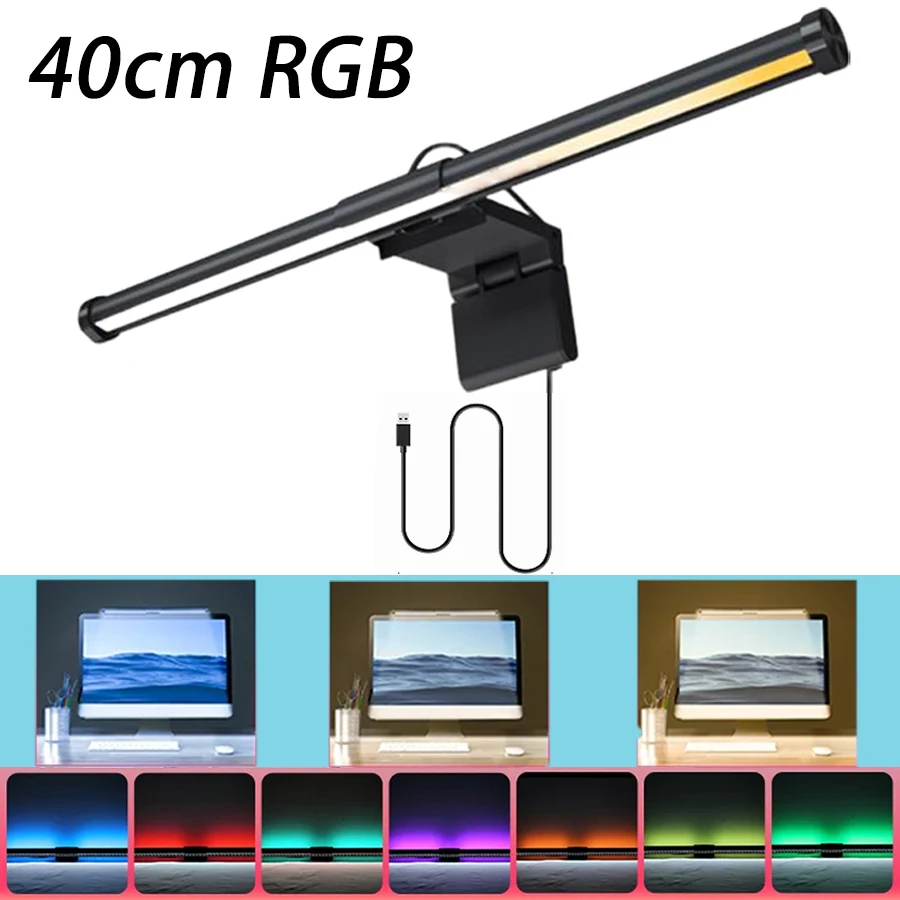
30/40cm USB Monitor Light Bar
Best for a tight or temporary desk.
Choose this one when the desk changes often or one corner is simply too dark. I would not use it for a full monitor-first workstation; the cheaper price comes with less coverage.
Check the product page again before buying. Small USB light bars often vary by cable, control button, and mounting clip.
A 50cm bar is not automatically better on a small desk. Monitor width, webcam clearance, and glare matter more than the longer product photo.
A longer light bar is not always better on a small desk; it has to match monitor width and glare angle.
Light bars fail when the lamp overhangs the monitor, hits a webcam, or reflects on a glossy screen. Desk depth and cable routing matter as much as brightness.
- Measure monitor width before choosing 50cm
- Check webcam and monitor thickness clearance
- Avoid glossy-screen glare before buying
This is a buying-decision guide, not a lab test. Recheck the exact listing, shipping terms, compatibility notes, and return window before ordering.
This guide is based on official specs, seller listings, price ranges, and repeated buyer pain points. It is not presented as a hands-on lab test when no hands-on test was done.
My pick would be the 50cm monitor light bar for a permanent laptop-and-monitor desk. I would choose the 30/40cm USB bar only when the goal is to fix one dark corner without spending much.