
Travel Power Kit: Charger, Power Strip, and Backup Battery Picks
A compact travel power kit with a GaN charger, hotel-desk power strip, and slim backup battery, plus buy-it-if and skip-it notes.
Charging and connectivity guides for USB-C docks, chargers, power banks, and laptop accessories.
Focused on small bags, hotel desks, and compatibility.
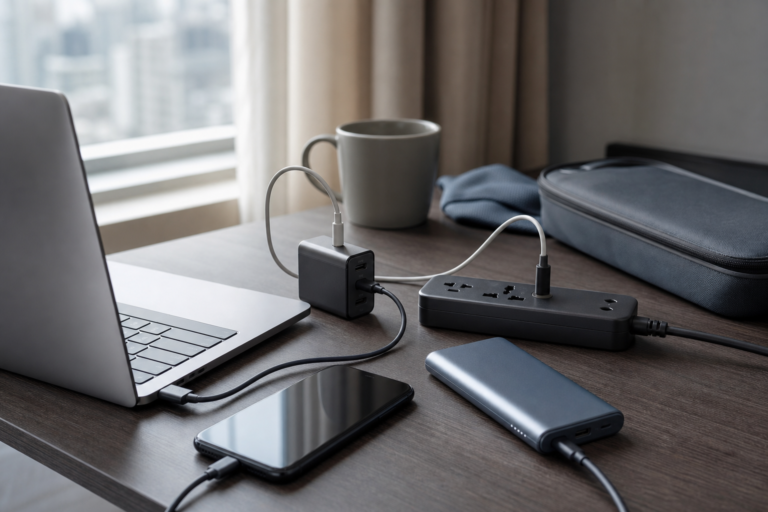
A compact travel power kit with a GaN charger, hotel-desk power strip, and slim backup battery, plus buy-it-if and skip-it notes.
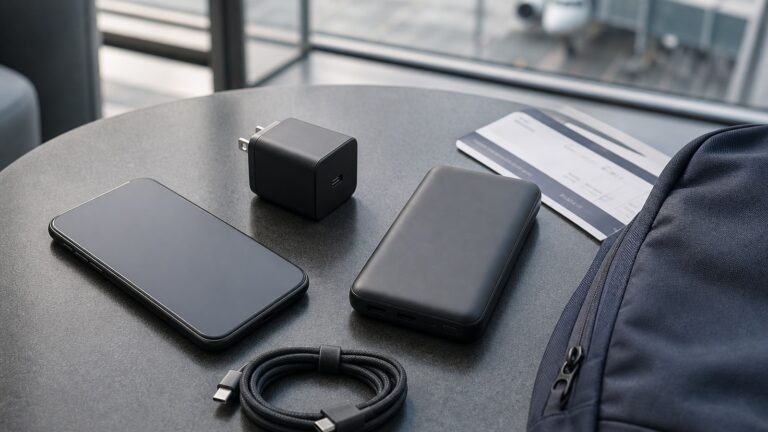
This post contains affiliate links. If you buy through them, we may earn a commission at no extra cost to you. A USB-C travel charger and a slim power bank look like the same kind of cheap travel accessory, but they fix different moments in a trip. The charger helps when you can sit near…
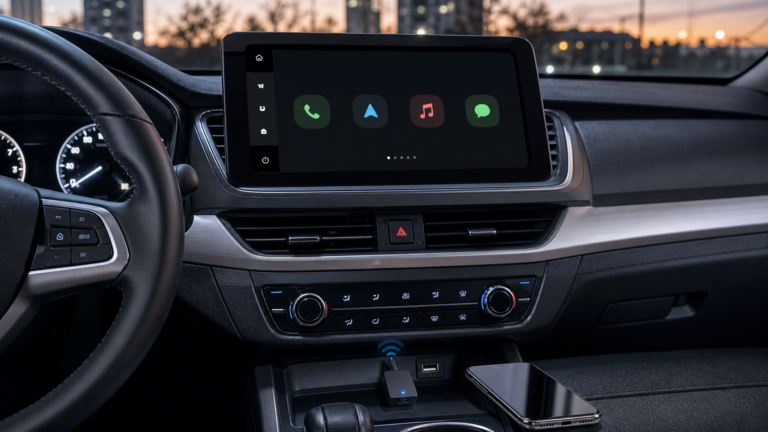
A practical AliExpress buying brief on choosing a simple wireless CarPlay adapter or a feature-heavy CarPlay AI box for an older car.
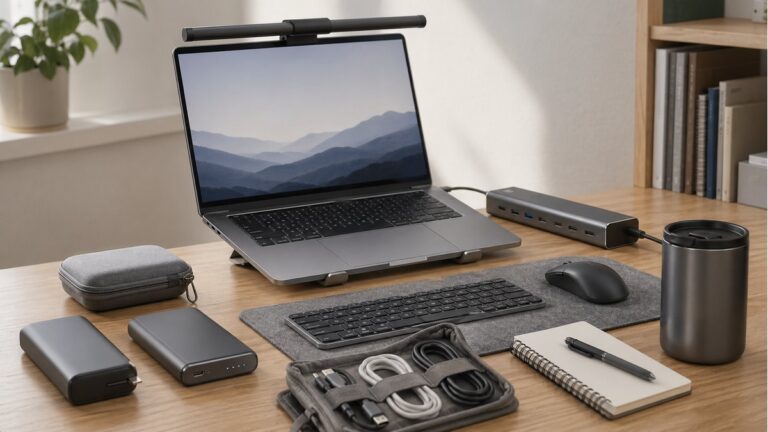
A practical charging-diagnosis brief comparing an inline USB-C watt meter and a cable tester, including PD profile checks, e-marker limits, cable sorting, and AliExpress listing risks.
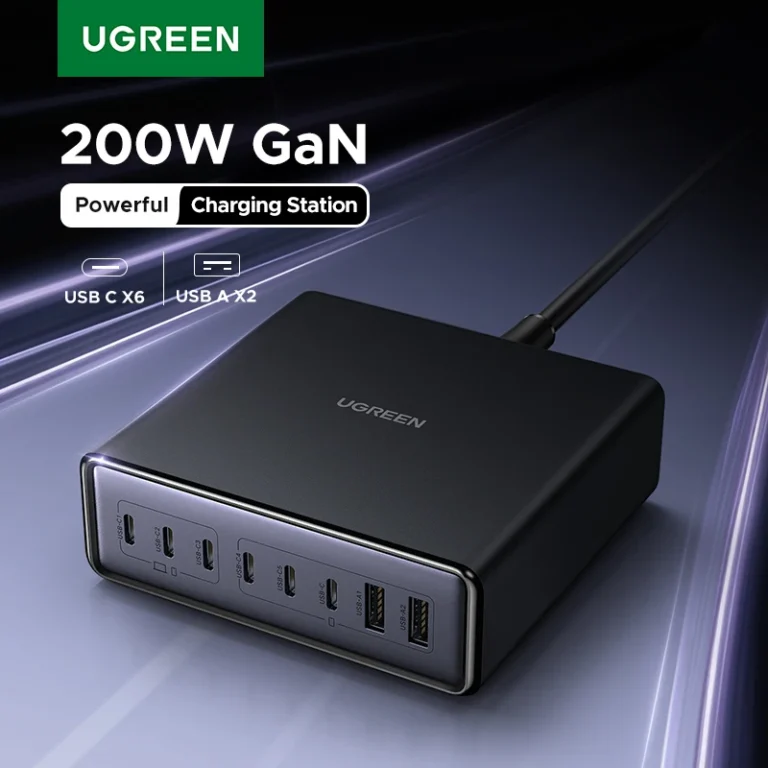
UGREEN 200W is the stronger one-brick desk charger. LDNIO 140W is the cheaper high-watt option if you do not need every port at once.
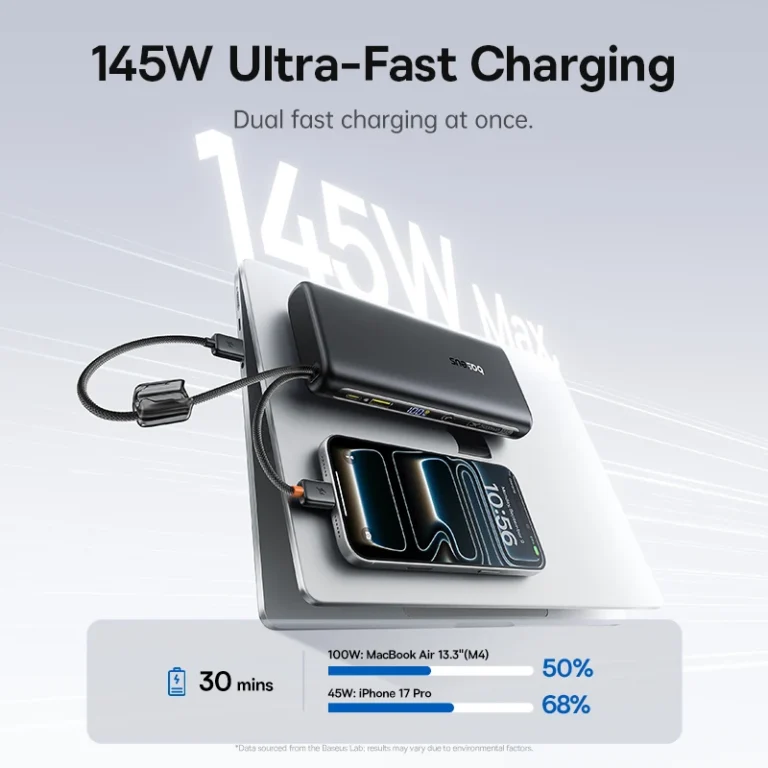
Baseus 145W is safer for laptop backup away from outlets. The 45W Mini is better if phone size and light carry matter more.
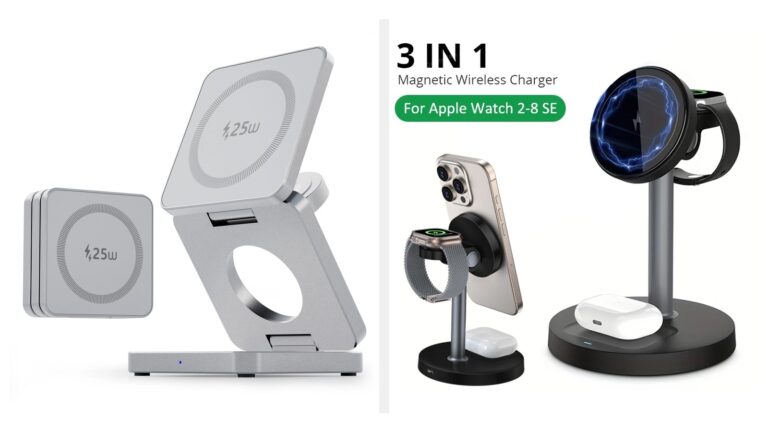
Go with the 3-in-1 charger if you want one foldable pad that can replace the whole hotel-nightstand mess. Go with the lighter foldable stand if you mainly need a phone charger that folds flat and does not pretend to replace a full bedside setup.
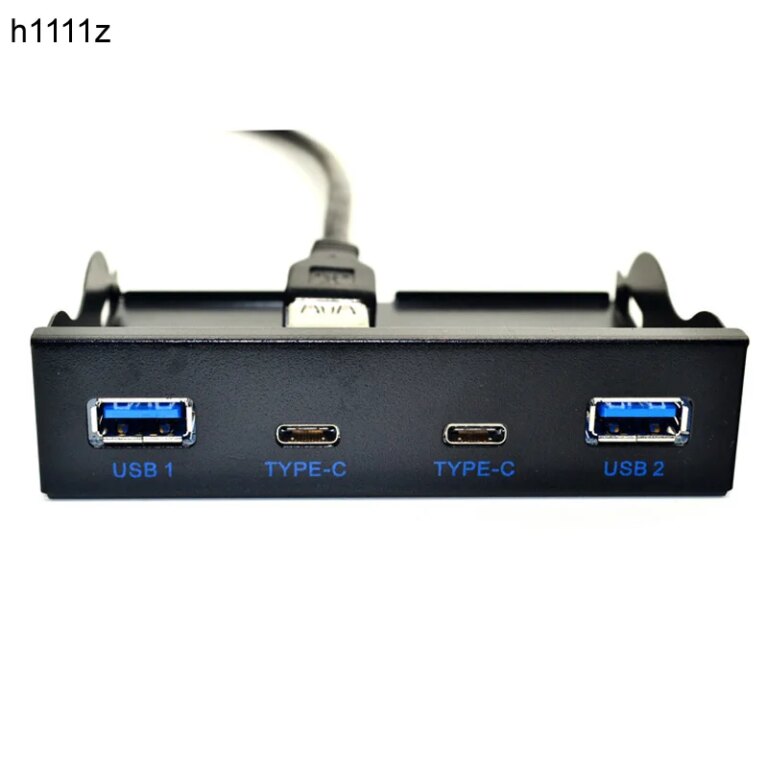
Pick the 10Gbps dock if your desk already behaves like a mini workstation. Stick with the 7-in-1 hub if you mainly want a lighter one-cable setup and do not need a heavier dock every day.
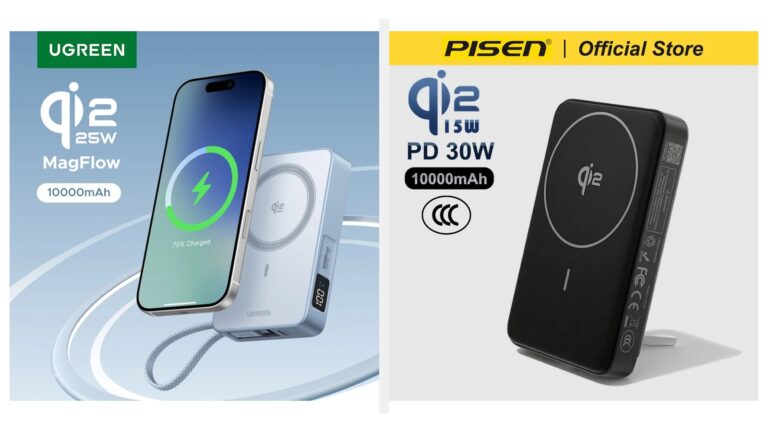
Go with the built-in cable pack if you want a magnetic battery that removes one loose accessory from your bag. Go with the kickstand pack if you care more about propping your phone up while charging than shaving cable clutter.
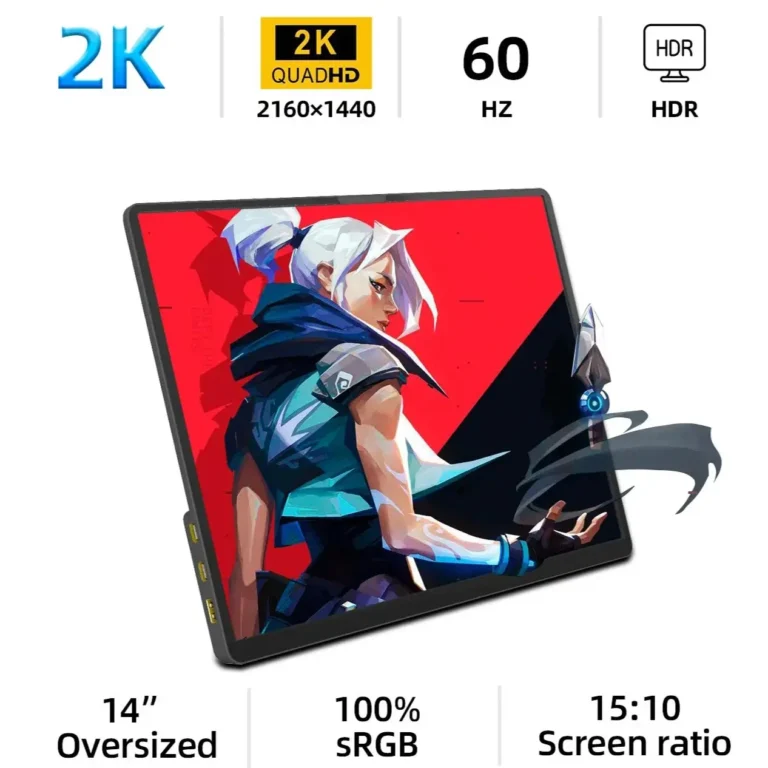
A portable monitor adds screen space. A USB-C dock fixes cable clutter and ports. The better first upgrade depends on whether your desk problem is visibility or connection.