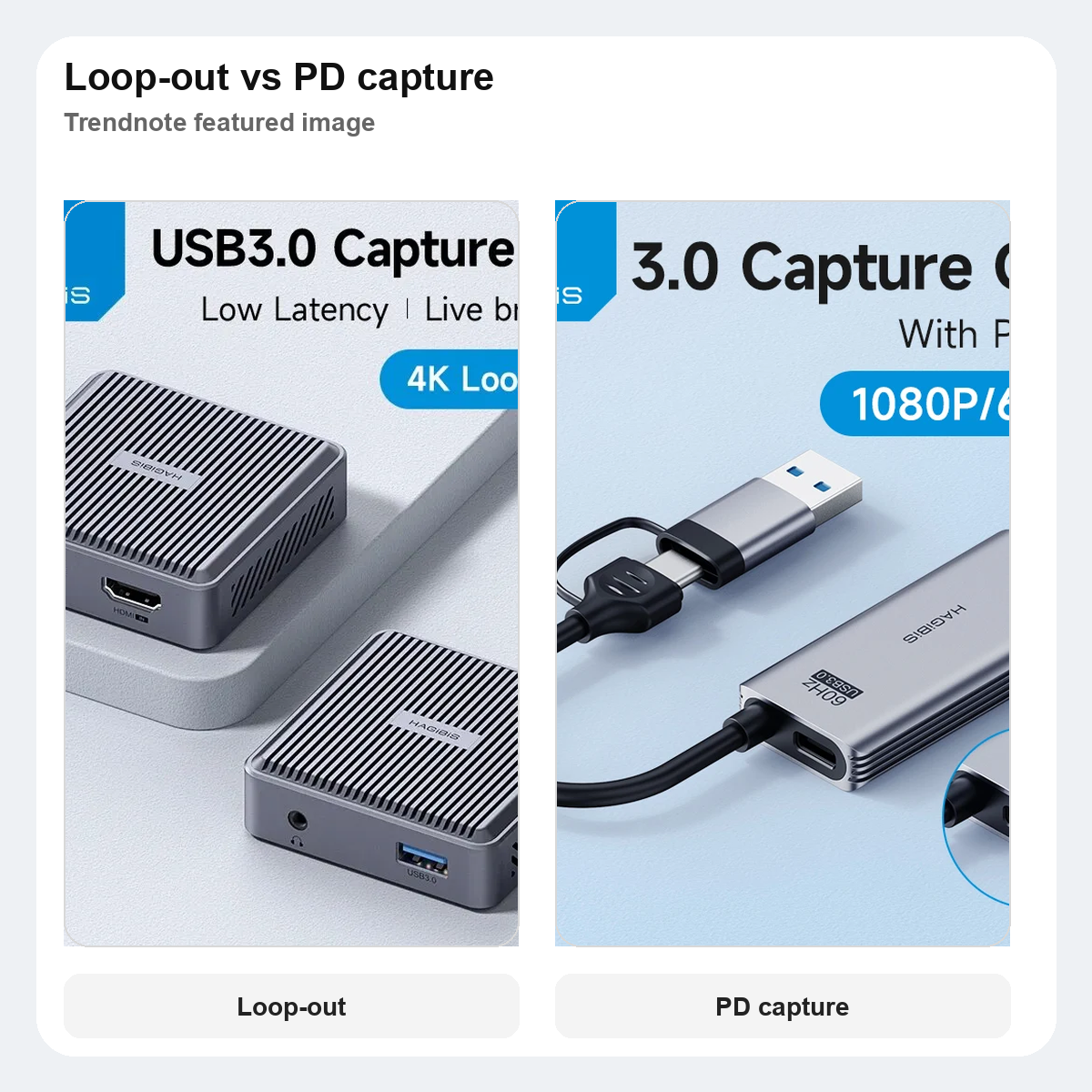
Hagibis loop-out capture card vs PD capture card: which one actually makes more sense for Switch and tablet setups?
This post contains AliExpress affiliate links. If you order through them, we may earn a small commission at no extra cost to you.
QUICK VERDICT
If your setup still starts with a Switch dock, console, or camera and then branches out to a separate display, the loop-out card is the clearer buy.
If your setup already feels half mobile and half improvised, the PD version has the better reason to exist because it solves capture and charging together.
Skip both if you only grab occasional clips and do not actually need a permanent desk or travel capture chain.
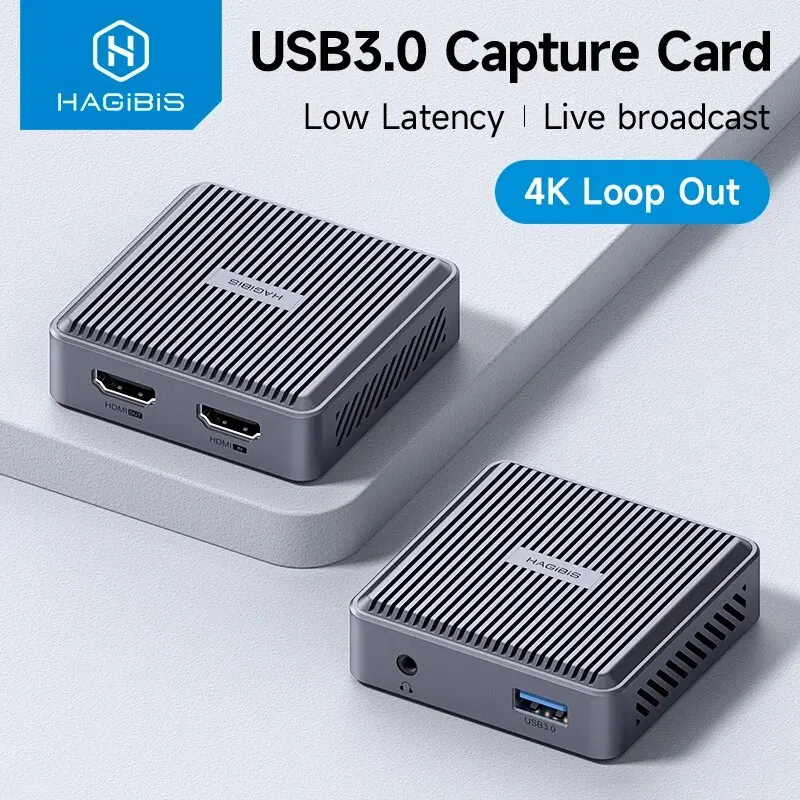
These two Hagibis listings only look similar if you stop at “capture card.” The loop-out model is built for a classic HDMI path: source in, monitor out, host capture on the side. The PD model is built for a messier modern setup where a tablet, Quest, or portable monitor also needs power and fewer adapters.
AT A GLANCE
| Pick | Loop-out card | PD card |
|---|---|---|
| Best for | Switch dock, console, or camera desk | Tablet, portable monitor, or Quest-style chain |
| Port and power story | HDMI input + HDMI pass-through + USB host | Capture plus 100W PD pass-through |
| Main benefit | Keeps a separate display in the chain | Removes one more charging and adapter problem |
| Main drawback | Less useful for mobile-first setups | Less compelling if your desk already handles power cleanly |
| Rating | 4.9 | 4.8 |
| Order signal | 1,000+ sold | 5,000+ sold |
| Verdict | Best for a classic HDMI chain | Best if power and capture need to coexist |
WHO SHOULD GET WHICH
GET THE LOOP-OUT CARD IF
You want a Switch, console, or camera feed to stay visible on a proper monitor while the host machine captures separately.
GET THE PD CARD IF
You keep moving between a tablet, portable monitor, Quest, or travel setup and do not want charging to become a second problem.
SKIP BOTH IF
Your real use is occasional clip capture and not a dedicated desk or mobile workflow.
BEFORE YOU ORDER
Check whether your setup really needs HDMI pass-through. That is the whole reason the loop-out card costs more.
Check whether power delivery solves a real pain point. The PD card makes more sense when the host chain is tablet-heavy or charger-sensitive.
Check the source device first. A docked Switch, camera, or console behaves differently from a Quest or portable monitor setup.
Check how many cables you are already tolerating. The PD card wins when one fewer adapter actually changes the setup.
PICK #1 — BEST FOR A CLASSIC HDMI CHAIN
The loop-out model is the one that behaves most like a traditional desk capture tool. It belongs in a setup where a display still matters as much as the recording path.
Store: Hagibis Official Store
Rating: 4.9
Orders: 1,000+ sold
SELECTION REASON
It made the shortlist because HDMI loop-out changes the job this card can do. This is not just “capture card number one.” It is the one that still respects the desk monitor as part of the setup.
USE CASE
Switch dock to monitor, camera to display, or a console desk where you want capture added without rebuilding the whole signal path.
STANDOUT POINT
The standout point is pass-through. If you still need a proper display in the chain, this is the cleaner answer.
WATCH-OUT
If your setup already moved toward tablets, portable screens, and one-cable convenience, the loop-out advantage starts looking like hardware you barely use.
Check the loop-out capture card
PICK #2 — BEST IF POWER AND CAPTURE BOTH MATTER
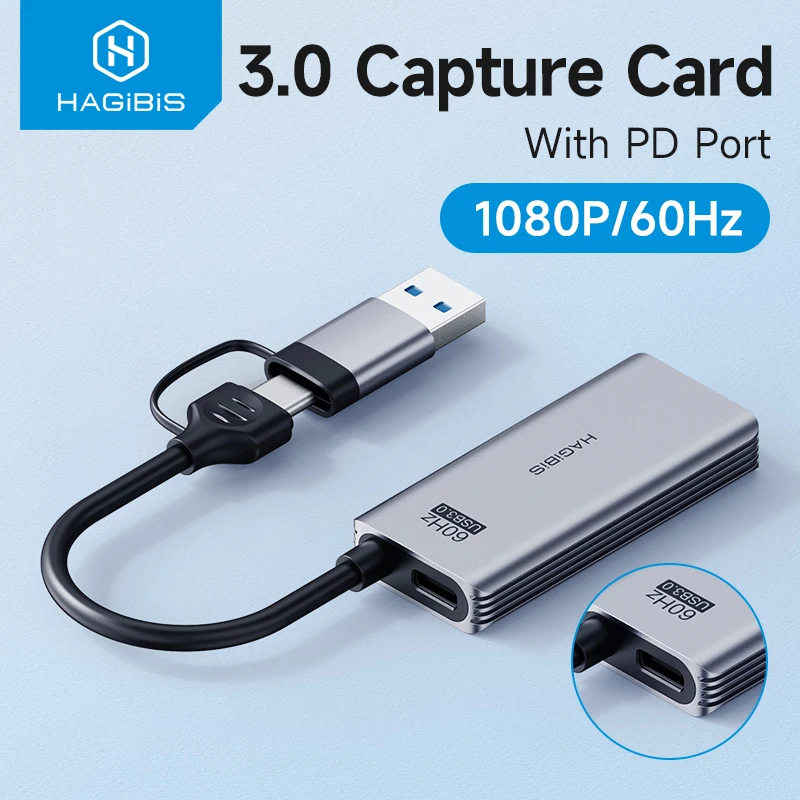
The PD card is the better fit when the capture chain is no longer a fixed desk. It makes more sense once power, portability, and fewer adapters become part of the buying decision.
Store: Hagibis Official Store
Rating: 4.8
Orders: 5,000+ sold
SELECTION REASON
It made the shortlist because the PD story is not cosmetic here. In a tablet or portable-monitor chain, power delivery can matter more than small bragging points in raw capture specs.
USE CASE
Tablet capture, portable monitor rigs, Quest experiments, or any setup where power and capture are fighting for the same ports.
STANDOUT POINT
The standout point is convenience density. When charging and capture need to happen together, this is the cleaner modern answer.
WATCH-OUT
If your monitor, dock, and charger are already stable, PD can feel more like a nice extra than the real reason to buy.
FINAL CALL
Best for a classic desk chain: the loop-out card, because HDMI pass-through is the feature that actually defines the setup.
Best for a portable or tablet-heavy setup: the PD card, because one less charging and adapter problem matters more there.
Skip if: you only need capture occasionally and are not building a repeatable desk or travel workflow.
This guide is based on official specs, seller listings, price ranges, and repeated buyer pain points. It is not presented as a hands-on lab test when no hands-on test was done.
FAQ
Is this a hands-on test?
No. This guide is a buying decision brief built from official specs, seller listings, pricing ranges, and repeated buyer pain points. It should be used as a checkout filter, not a lab review.
What should I check before buying?
Check platform support, grip comfort, receiver storage, stick layout, and whether the extra dock or feature will be used.
When should I skip both options?
Skip both if you only play one platform and your current controller is already comfortable.