When a 10Gbps USB-C dock works better than a 7-in-1 hub on a small desk
Quick verdict
The 10Gbps dock is the better answer when your desk already acts like a mini workstation with a monitor, SSD, charging cable, and a few accessories that stay plugged in all week.
The 7-in-1 hub makes more sense when you mainly want HDMI, cards, charging, and a lighter one-cable setup that is still easy to move around.
Skip both if your real problem is only one missing USB-A port or simple charging.
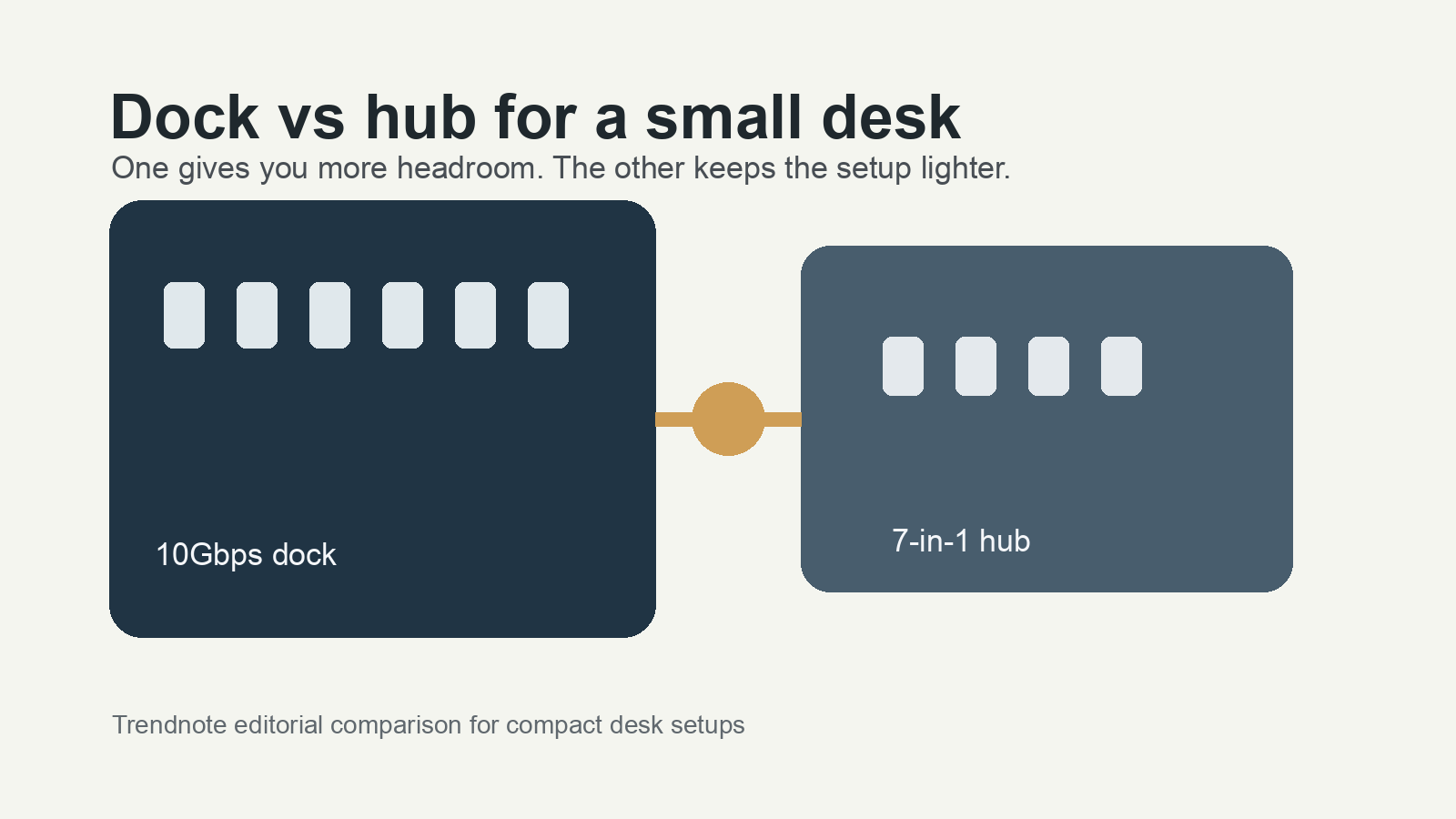
On a small desk, the wrong accessory usually adds clutter instead of solving the problem. A dock helps when it replaces a cable pile that never really leaves your desk. A hub helps when you still want the setup to stay easy to move, unplug, or pack away. If the accessory does not change how your desk feels every day, it is probably too much hardware for the job.
| Pick | Best for | Visible signal | Main watch-out |
|---|---|---|---|
| UGREEN 10Gbps USB-C dock | Monitor + SSD + charging desks | 4.9 rating, 2,000+ sold, official-store signal | Too much box if the setup stays simple |
| UGREEN 7-in-1 hub | Portable laptop or tablet desks | 4.9 rating, 4,000+ sold, official-store signal | Higher sold count does not make it the better desk anchor |
This guide may earn a commission when readers buy through affiliate links.
Get the dock if
You regularly keep a monitor, charging cable, and faster storage attached and you want the desk to stay semi-permanent.
Get the hub if
You want the desk to stay lighter and simpler and mainly need HDMI, cards, charging, and a few ports without a bulkier dock feel.
Skip both if
You are solving a tiny port shortage and do not actually keep several accessories connected through the same setup.
- Count the accessories that stay connected every day. If the list is monitor, charging, SSD, and maybe Ethernet or extra USB gear, the dock starts making sense.
- If you clear the desk often, work from different rooms, or keep the adapter in a sleeve with your laptop, the lighter hub usually fits real life better.
- Do not buy the bigger box just because it sounds more complete. A small desk gets worse quickly when the accessory itself becomes the clutter.
If you still have not decided whether the next fix is more ports or more screen space, the portable monitor vs dock comparison frames that tradeoff well.
UGREEN 10Gbps USB-C dock
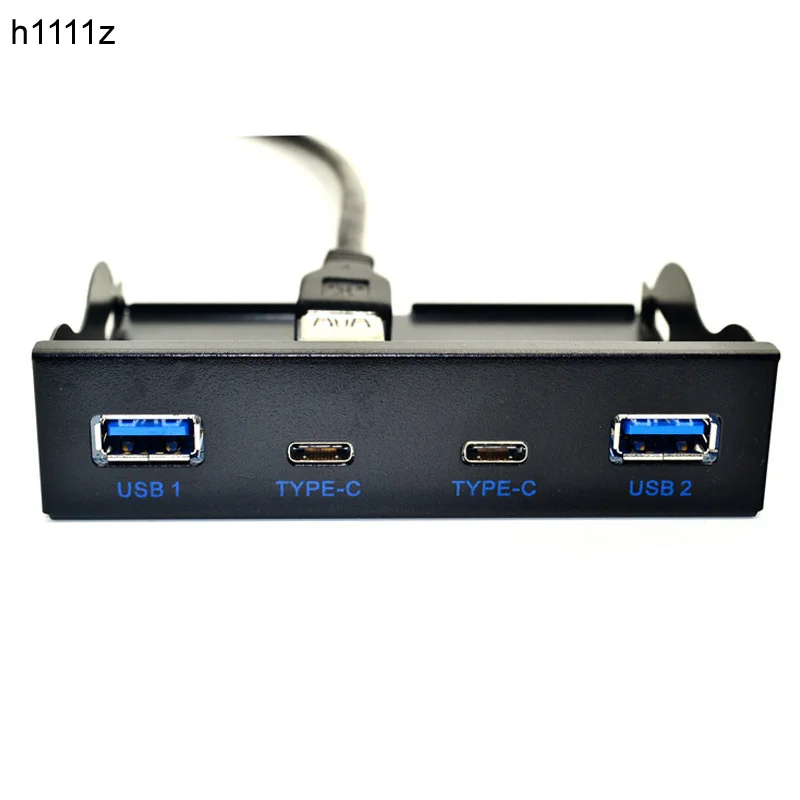
Why it makes sense: This is the clearer pick when the desk already behaves like a compact workstation instead of a grab-and-go laptop setup.
Best fit: Monitor, SSD, charging, and a desk where the same cables stay connected most of the day.
What stands out: The 10Gbps position matters only when faster external storage is part of the routine. If you plug in an SSD often, that difference is easier to justify.
Watch-out: If your setup is still mostly a laptop plus charger, this can feel bulky and unnecessary very quickly.
UGREEN 7-in-1 hub
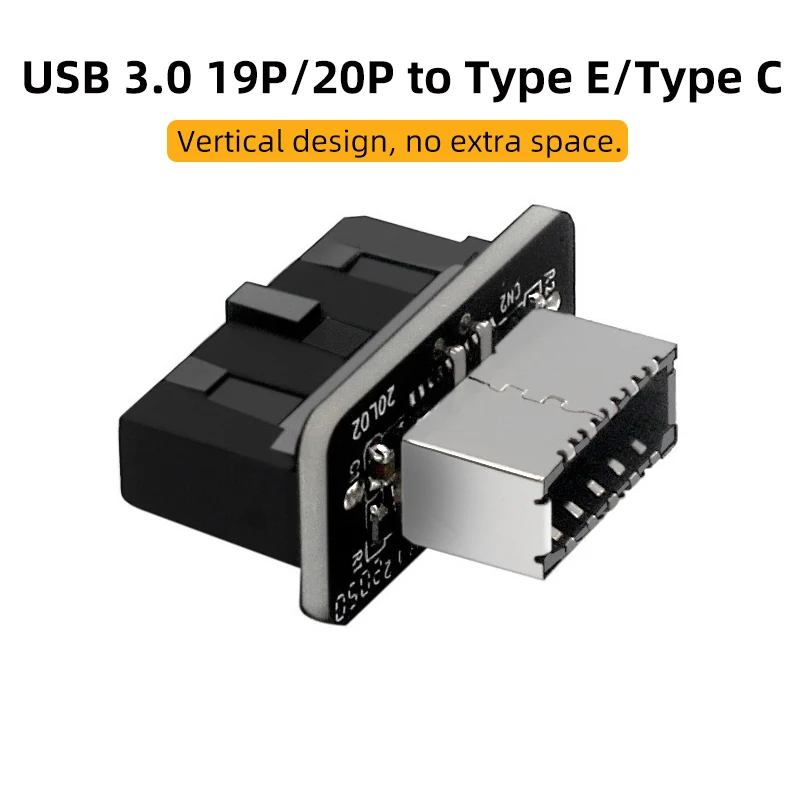
Why it makes sense: The hub covers the common port gap without turning a small desk into a fixed docking station.
Best fit: HDMI, cards, charging, and a setup that still gets packed away, moved, or reconfigured often.
What stands out: It is easier to live with when your real goal is fewer compromises, not building a permanent desktop around your laptop.
Watch-out: Higher sold count does not change what it is. This is still the lighter-duty option, and it feels that way once external storage and extra cables become part of the routine.
Alternative
The simpler alternative is to watch which cable you reconnect every day for a week. Many small desks do not need a dock or a hub. They just need one clearer constraint and one less accessory.
Best for workstation-style desks: the 10Gbps dock.
Best for lighter everyday setups: the 7-in-1 hub.
Skip if: your problem is still too small to justify another box and more cables.
This guide is based on official specs, seller listings, price ranges, and repeated buyer pain points. It is not presented as a hands-on lab test when no hands-on test was done.
FAQ
Is this a hands-on test?
No. This guide is a buying decision brief built from official specs, seller listings, pricing ranges, and repeated buyer pain points. It should be used as a checkout filter, not a lab review.
What should I check before buying?
Check wattage, cable rating, heat, port layout, and whether it fixes the clutter you actually have.
When should I skip both options?
Skip both if your current charger already covers the devices you carry every day.