14-inch 2K vs 16-inch Touch Portable Monitor for Laptop Desks
This guide may earn a commission when readers buy through affiliate links.
Quick verdict
Buy the 14-inch 2K model first if your desk is tight and sharper text matters more than getting the biggest panel possible.
Buy the 16-inch touch model first if you really want more room to spread work out and you know touch will not be wasted.
Skip both if this screen will sit on one desk full-time and you already have room for a normal monitor.
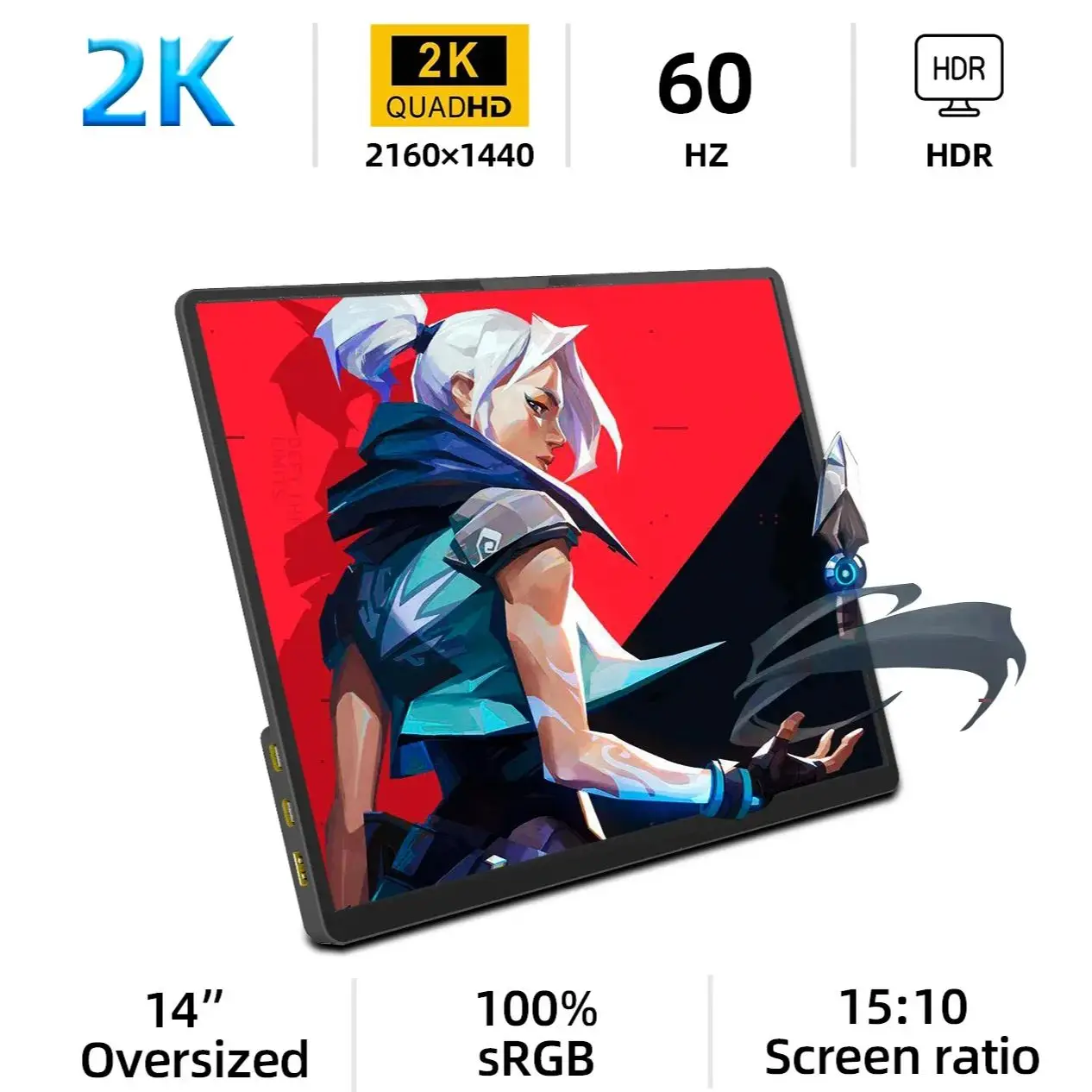
A portable monitor sounds like an easy upgrade until the desk gets crowded. Then the real question is not just which panel looks better, but which one still feels worth living with after a week of actual work.
At a glance
| Pick | Best for | Visible signal | Watch-out |
|---|---|---|---|
| 14-inch 2K model | Tighter desks, sharper text, lighter mobile setups | Stronger sold-count signal and higher review volume | Smaller panel can still feel cramped for spreadsheets |
| 16-inch touch model | Bigger workspace, touch input, wider travel setups | Strong buyer activity with a clearer size-first pitch | Takes more desk depth and justifies itself less if touch is unused |
Who should get which
Get the 14-inch 2K model
Choose this if your desk is already tight and your first complaint is visual clutter, not missing inches.
Get the 16-inch touch model
Choose this if you really want a wider second screen and know you will use that space often enough to justify the larger footprint.
Skip both
Skip both if this is not a travel or flexible-desk problem and a fixed monitor would solve the issue more cleanly.
Before you order
- The smaller model wins when desk depth is already limited and sharper text matters more than raw size.
- The larger model only makes sense if you really want more room for split windows or touch-based use.
- If this screen will stay parked in one place, a normal desk monitor may still be the better answer.
Pick #1 — the easier fit for a tighter desk
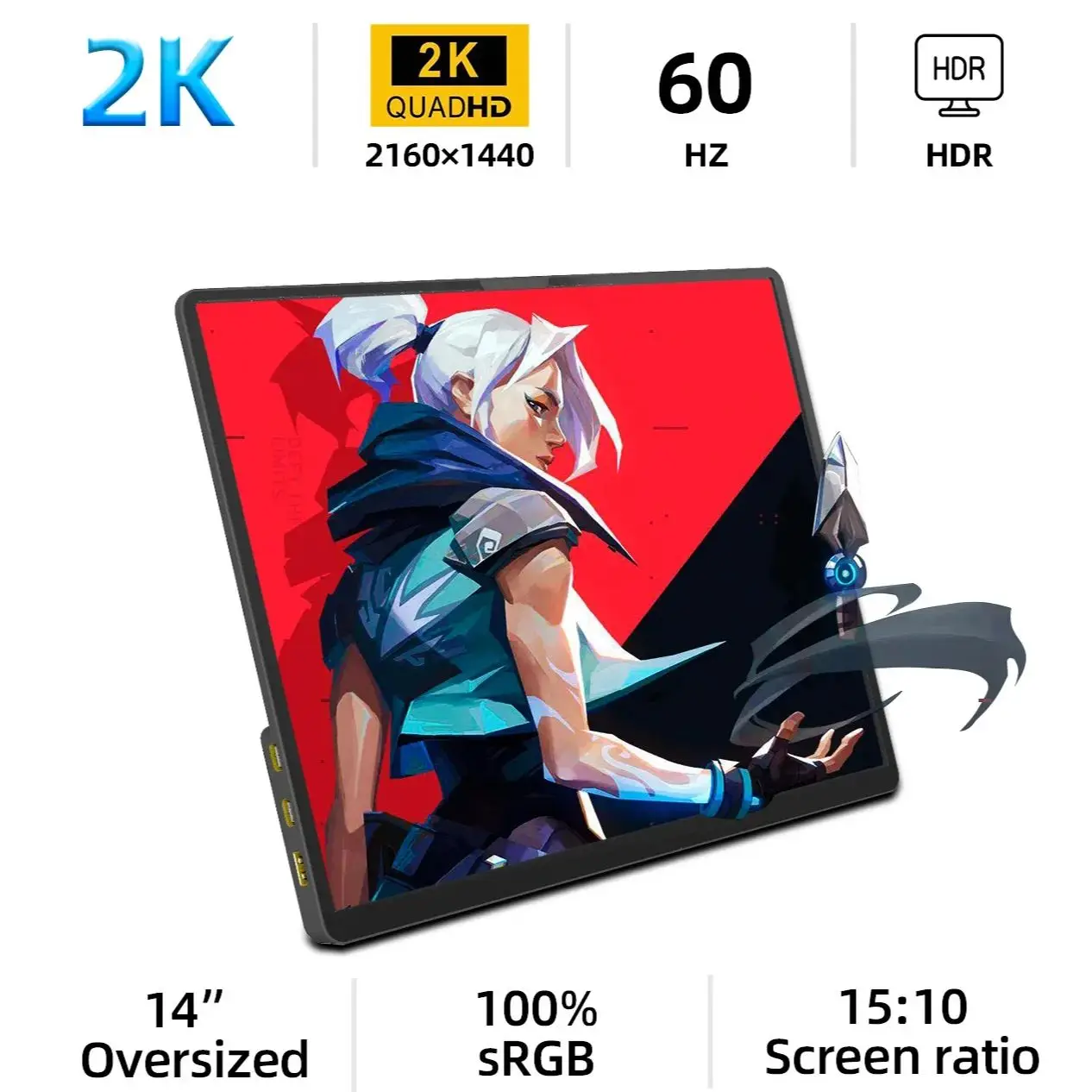
Selection reason: This one makes the stronger case because the sold-count signal is heavier, the footprint is easier to justify, and the sharper 2K angle gives it a clearer reason to exist.
Use case: Small laptop desks, hybrid work bags, side-by-side reading, and mobile setups where extra sharpness matters more than stretching the panel size.
Standout point: It solves the second-screen problem without making a compact desk feel oversized.
Watch-out: If your real pain is spreadsheet width or wide multitasking, the smaller panel can still feel like a compromise.
Pick #2 — the better call if size is the whole point

Selection reason: This one earns its place when the reason for buying is simple: you want a larger working surface, and touch is useful enough that the size jump does not feel wasted.
Use case: Travel workstations, hotel desks, console travel setups, and anyone who wants a roomier second screen than the usual compact portable-monitor default.
Standout point: The larger panel changes how much you can see at once, which is the one thing the smaller model cannot fake.
Watch-out: If you do not care about touch and your desk is already shallow, the bigger panel can feel like paying extra to create a space problem.
Check the 16-inch touch monitor
Final call
Buy the 14-inch 2K model if you want the safer, sharper, lower-friction second screen for a smaller desk.
Buy the 16-inch touch model only if more screen area is the reason you are shopping in the first place.
What decides it: the better buy is not the larger panel by default, but the one your desk will still feel comfortable with after the novelty wears off.
This guide is based on official specs, seller listings, price ranges, and repeated buyer pain points. It is not presented as a hands-on lab test when no hands-on test was done.
Check desk width, laptop stand height, cable direction, touch support, and whether the monitor still fits your bag.
For AliExpress-style picks, also check seller rating, review count, shipping estimate, plug or cable type, and whether returns are worth the hassle.
FAQ
Is this a hands-on test?
No. This guide is a buying decision brief built from official specs, seller listings, pricing ranges, and repeated buyer pain points. It should be used as a checkout filter, not a lab review.
What should I check before buying?
Check desk width, cable direction, mounting space, brightness needs, and whether the upgrade removes a daily desk problem.
When should I skip both options?
Skip both if your desk problem is posture or chair height rather than the accessory itself.