Small Desk and Travel Tech Buying Guides for Safer Gadget Picks
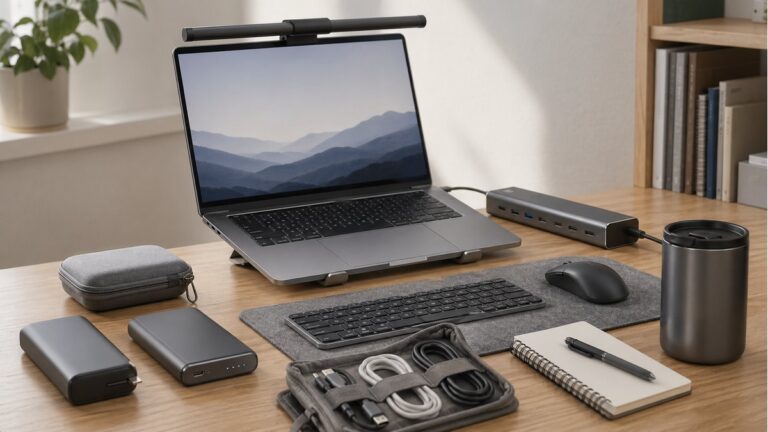
Trend Note is most useful when a small product choice can still annoy you every day. Chargers, docks, controllers, travel routers, SSD enclosures, laptop sleeves — these are not glamorous buys, but the wrong one stays in your bag or on your desk for months.
Start with higher-stakes choices
Pick the guide where the wrong version costs more than a few dollars
Trendnote should not lead with tiny accessories. Start with categories where compatibility, carry setup, desk space, or device class changes the purchase.
- Mini PC: Ryzen 7 vs Intel N100 for Plex and light gaming
- Travel router: GL.iNet Beryl AX vs Slate AX
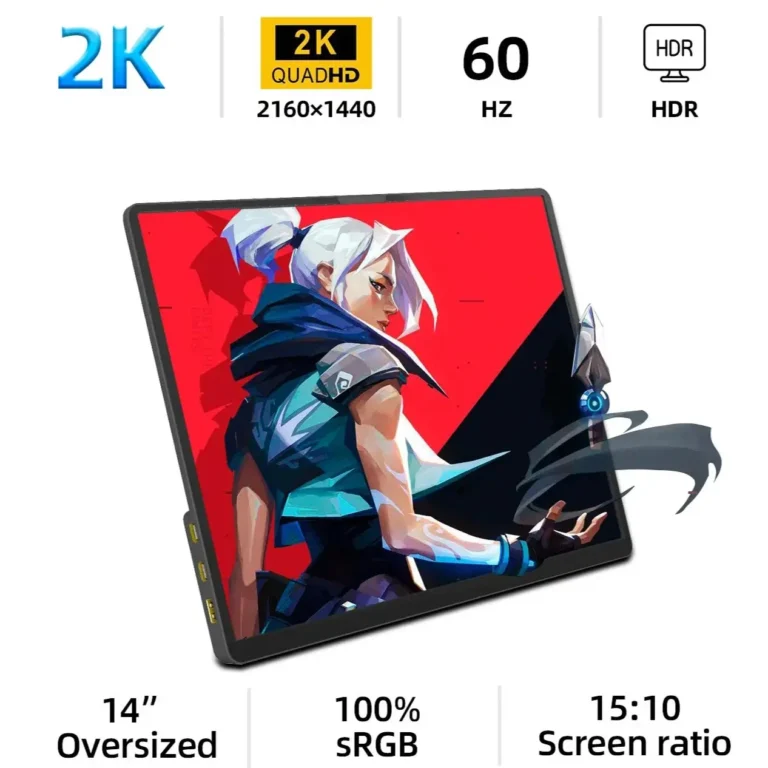
- Portable monitor: 14-inch 2K vs 16-inch touch
- Desktop charger: UGREEN 200W vs LDNIO 140W
- Car upgrade: wireless CarPlay adapter vs CarPlay AI box
- Car emergency gear: Xiaomi/Mijia vs Baseus tire inflators
Trend Note focuses on small tech that gets annoying in real use when you buy the wrong version. If a choice depends on desk space, carry weight, hotel Wi-Fi, charger clutter or bag bulk, start from that constraint first instead of the spec table.
Charging and desk clutter
- UGREEN 200W or LDNIO 140W: which charger cleans up a laptop-and-phone desk?
- Baseus 145W power bank or 45W Mini: which battery fits a laptop-and-phone bag?
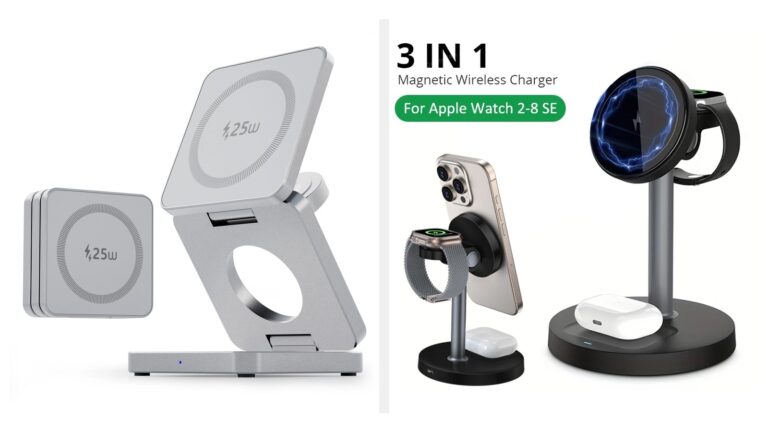
- 3-in-1 hotel charger or foldable stand: which earns a hotel nightstand spot?
Storage, docks, and portable screens
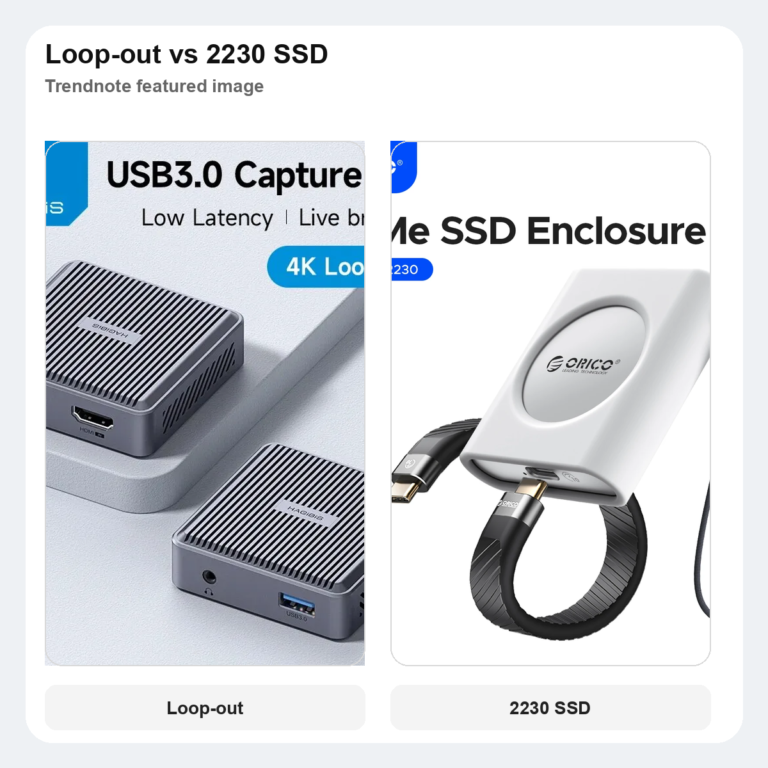
- ORICO 20Gbps or UGREEN 20Gbps: which SSD enclosure wastes less desk budget?
- When a 10Gbps USB-C dock works better than a 7-in-1 hub on a small desk
- 14-inch 2K or 16-inch touch portable monitor: which second screen fits a tighter laptop desk?
Controllers and travel networking
- GL.iNet Beryl AX or Slate AX: which travel router makes hotel Wi-Fi less annoying?
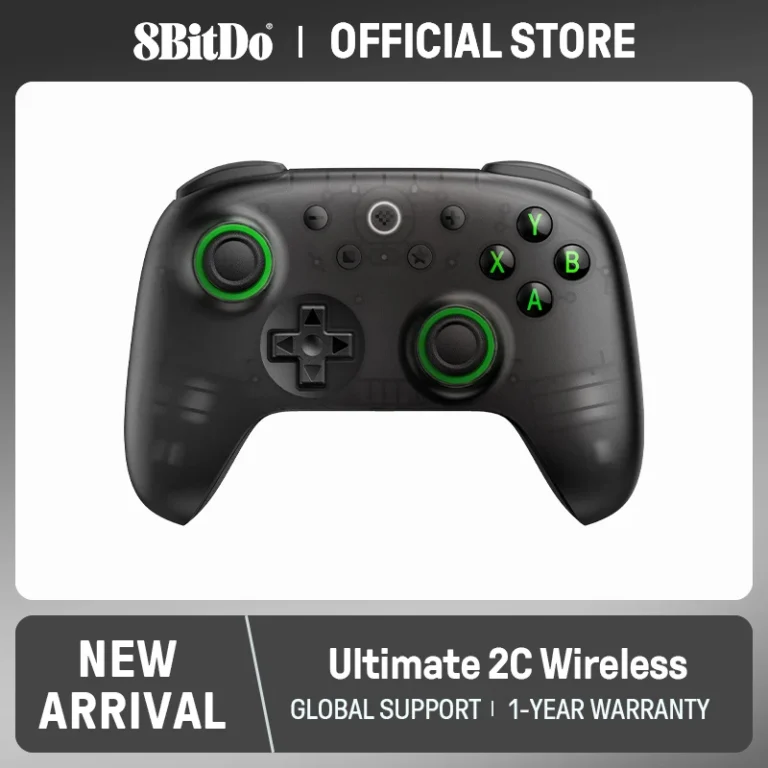
- 8BitDo Ultimate 2C or Ultimate 2: which controller is the safer PC-and-handheld buy?
- GameSir G8 Galileo or X2s Type-C: which USB-C controller is the safer handheld-first buy?
Where to start
Start from the problem, not the product. If the issue is hotel Wi-Fi, read the travel router guide. If the issue is cable clutter, start with chargers. If the issue is a handheld setup, controllers and portable monitors matter before desk accessories.
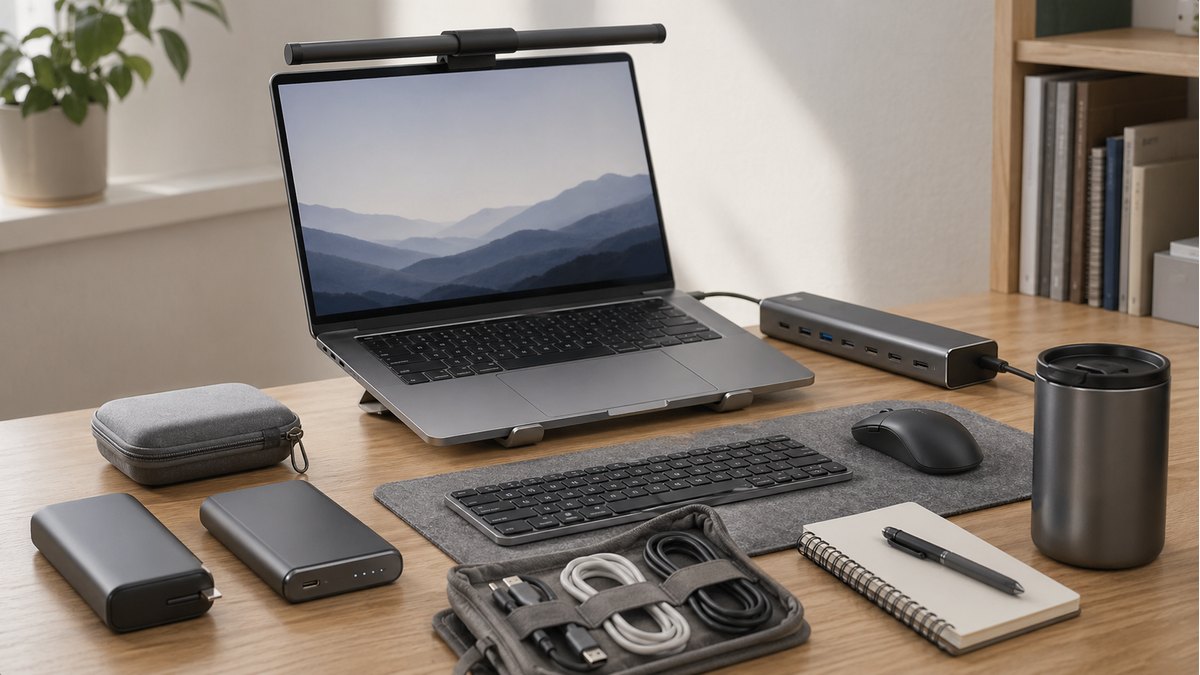
Start from the friction point first: lighting, ports, charging, travel audio, stands, or controllers. A gadget list is easy to browse and easy to forget.
This hub should help readers choose the next useful accessory, not browse a random list of gadgets.
Small tech purchases fail when compatibility, cable direction, return policy, or desk size is ignored. The hub is more useful when every guide starts with the problem and ends with a reason to skip the product.
- Check the device or desk problem first
- Prefer guides with a skip-if section
- Recheck seller, shipping, and return terms before buying
This is a buying-decision guide, not a lab test. Recheck the exact listing, shipping terms, compatibility notes, and return window before ordering.
This guide is based on official specs, seller listings, price ranges, and repeated buyer pain points. It is not presented as a hands-on lab test when no hands-on test was done.
FAQ
Is this a hands-on test?
No. This guide is a buying decision brief built from official specs, seller listings, pricing ranges, and repeated buyer pain points. It should be used as a checkout filter, not a lab review.
What should I check before buying?
Check desk width, cable direction, mounting space, brightness needs, and whether the upgrade removes a daily desk problem.
When should I skip both options?
Skip both if your desk problem is posture or chair height rather than the accessory itself.
Recently Added Buying Guides

Guide
USB Rechargeable Air Duster vs Mini Vacuum for Keyboard Dust
A short Trendnote buying guide comparing a USB rechargeable air duster with a mini keyboard vacuum for desk dust, crumbs, and laptop clean
Guide
Inline Watt Meter vs Cable Tester for Charging Problems
Affiliate disclosure: Trendnote may earn a commission if you buy through the links below, at no extra cost to you. A charger problem is no
Guide
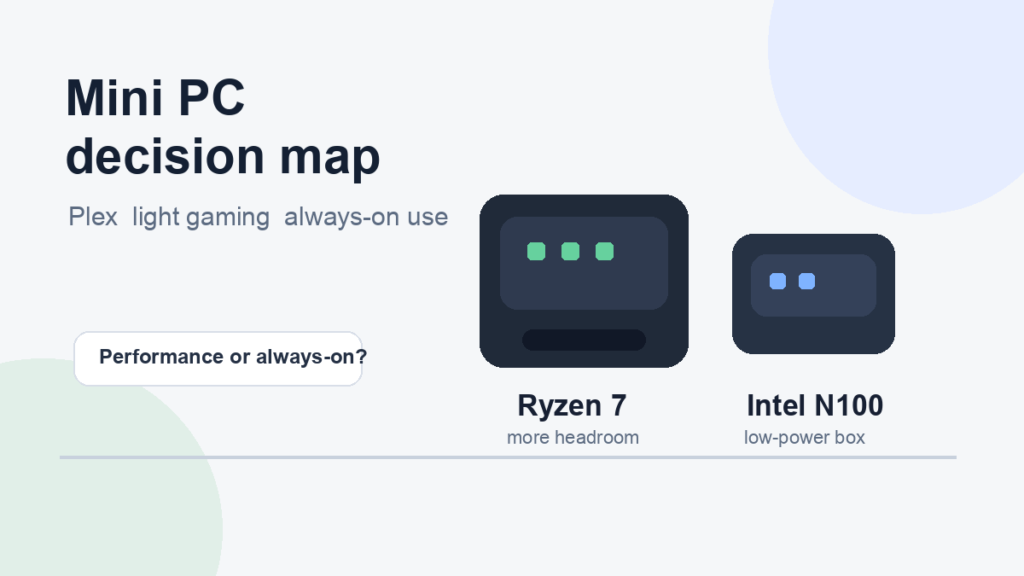
Ryzen 7 Mini PC vs Intel N100: Better for Plex, Light Gaming, and Always-On Use
Ryzen 7 mini PCs are better for light gaming and desktop replacement duty. Intel N100 boxes make more sense for Plex, downloads, dashboard

Guide
Airplane Bluetooth Transmitter vs USB-C Adapter for Travel Audio
A Bluetooth transmitter is the better fix for airplane seatback screens. A USB-C Bluetooth adapter is better if laptop and handheld use ma