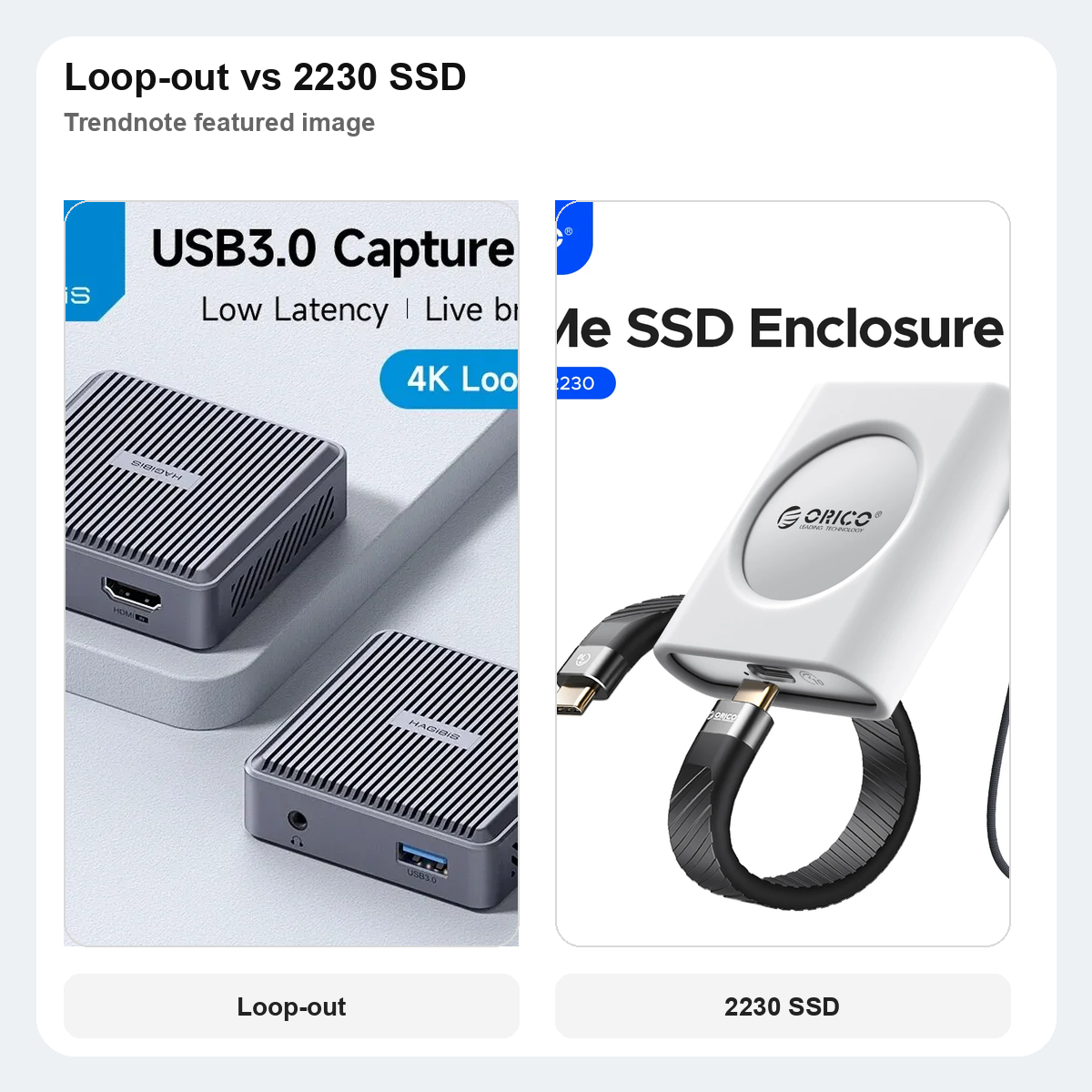
Hagibis loop-out capture card vs ORICO 2230 SSD enclosure: which handheld upgrade should you buy first?
This post contains AliExpress affiliate links. If you order through them, we may earn a small commission at no extra cost to you.
QUICK VERDICT
If your handheld setup still struggles with getting gameplay onto a bigger screen or into a recording workflow, the Hagibis loop-out capture card is the smarter first buy.
If your Steam Deck, ROG Ally, or mini-PC already works fine and the real friction is slow or exposed storage, the ORICO 2230 enclosure makes more sense first.
Skip both if you are still solving basic dock, charger, or controller issues before storage or capture becomes the bottleneck.
This comparison works because these two upgrades solve different pain points in the same handheld desk world. One helps when you want to show, stream, or record a signal properly. The other helps when your internal storage fills up and you want a cleaner way to move or reuse a 2230 SSD.
If your handheld upgrade path also includes storage, the 2230 SSD enclosure comparison fits right after this one.
AT A GLANCE
| Pick | Hagibis loop-out capture card | ORICO 2230 enclosure |
|---|---|---|
| Best for | Switch, handheld, or tablet setups that need a real display-and-capture chain | Steam Deck, ROG Ally, or mini-PC users who keep swapping or backing up 2230 SSDs |
| Main job | Send HDMI through to a monitor while also feeding capture to a host device | Turn a loose 2230 NVMe drive into fast external storage over USB-C |
| Why it matters first | It changes what your desk can actually do | It makes storage maintenance easier, not the core setup broader |
| Main drawback | Overkill if you never record or route video to another display | Too narrow if you do not already have a spare or replaceable 2230 SSD |
| Store signal | Hagibis Official Store | Orico Flagship Store |
| Rating | 4.9 | 4.9 |
| Order signal | 1,000+ sold | 292 sold |
| Verdict | Better first buy for a visible setup change | Better only when storage is already the pain point |
WHO SHOULD GET WHICH
GET THE HAGIBIS CARD IF
You want to plug a Switch dock, handheld dock, or camera into a cleaner HDMI path and still keep a monitor in the chain while capturing.
GET THE ORICO ENCLOSURE IF
You already have a spare 2230 drive or keep opening a handheld to replace storage, and you want that drive to stay useful outside the device.
SKIP BOTH IF
Your setup still lacks basics like a stable dock, enough power, or a monitor that actually suits the device you use most.
BEFORE YOU ORDER
Check what problem showed up first in real use. If your issue is “I cannot capture or mirror this cleanly,” the capture card has the clearer reason to exist.
Check whether you even have a 2230 SSD to repurpose. The enclosure is a narrow but good tool, and it gets awkward fast if you need to buy a drive just to justify it.
Check your desk chain. A handheld plus dock plus monitor plus capture host creates a bigger difference than an enclosure if you share clips, stream casually, or test game footage often.
Check how often you move files off the device. If you rarely touch storage after setup day, the enclosure is probably the second purchase, not the first.
PICK #1 — BEST IF VIDEO ROUTING IS THE REAL UPGRADE
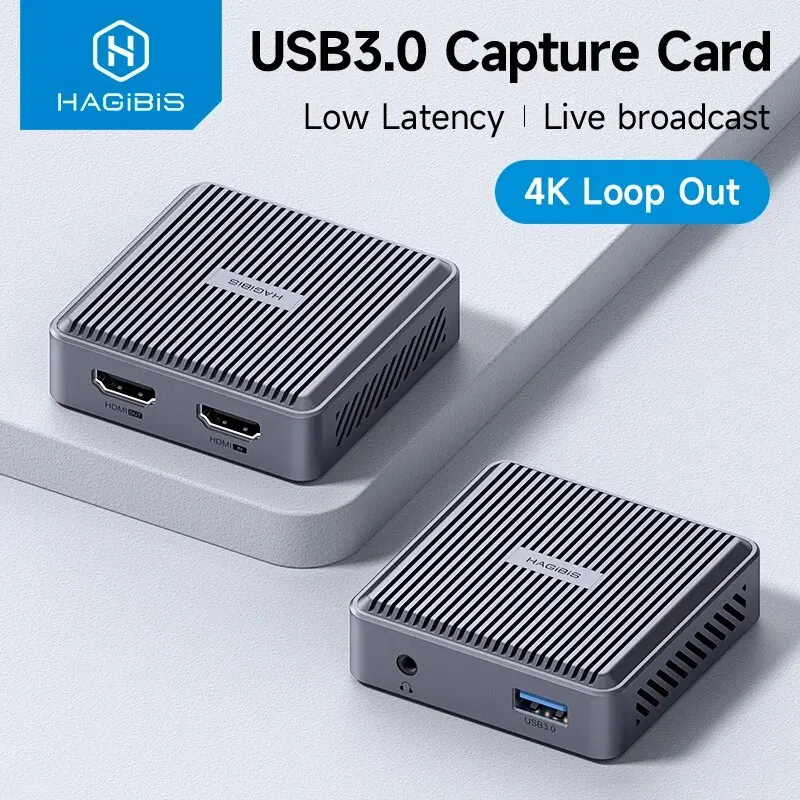
The Hagibis card is the stronger first purchase because it changes the desk more visibly. Once you add HDMI pass-through, the setup can feed a monitor and capture at the same time without turning into a cable experiment.
Store: Hagibis Official Store
Rating: 4.9
Orders: 1,000+ sold
SELECTION REASON
It made the shortlist because loop-out is not a small spec bump here. It is the feature that changes whether a Switch, docked handheld, or tablet can live in a proper monitor chain.
USE CASE
Best for Switch dock capture, handheld-to-monitor setups, casual streaming, or any desk where you want gameplay visible on one screen and captured on another machine.
STANDOUT POINT
The standout point is signal routing. This is the one that makes sense when the upgrade is about what your setup can show and record, not just what it can store.
WATCH-OUT
If you never capture, mirror, or route video to another screen, this can look impressive on paper and still solve nothing in daily use.
Check the Hagibis loop-out capture card
PICK #2 — BEST IF STORAGE MAINTENANCE IS THE REAL PAIN
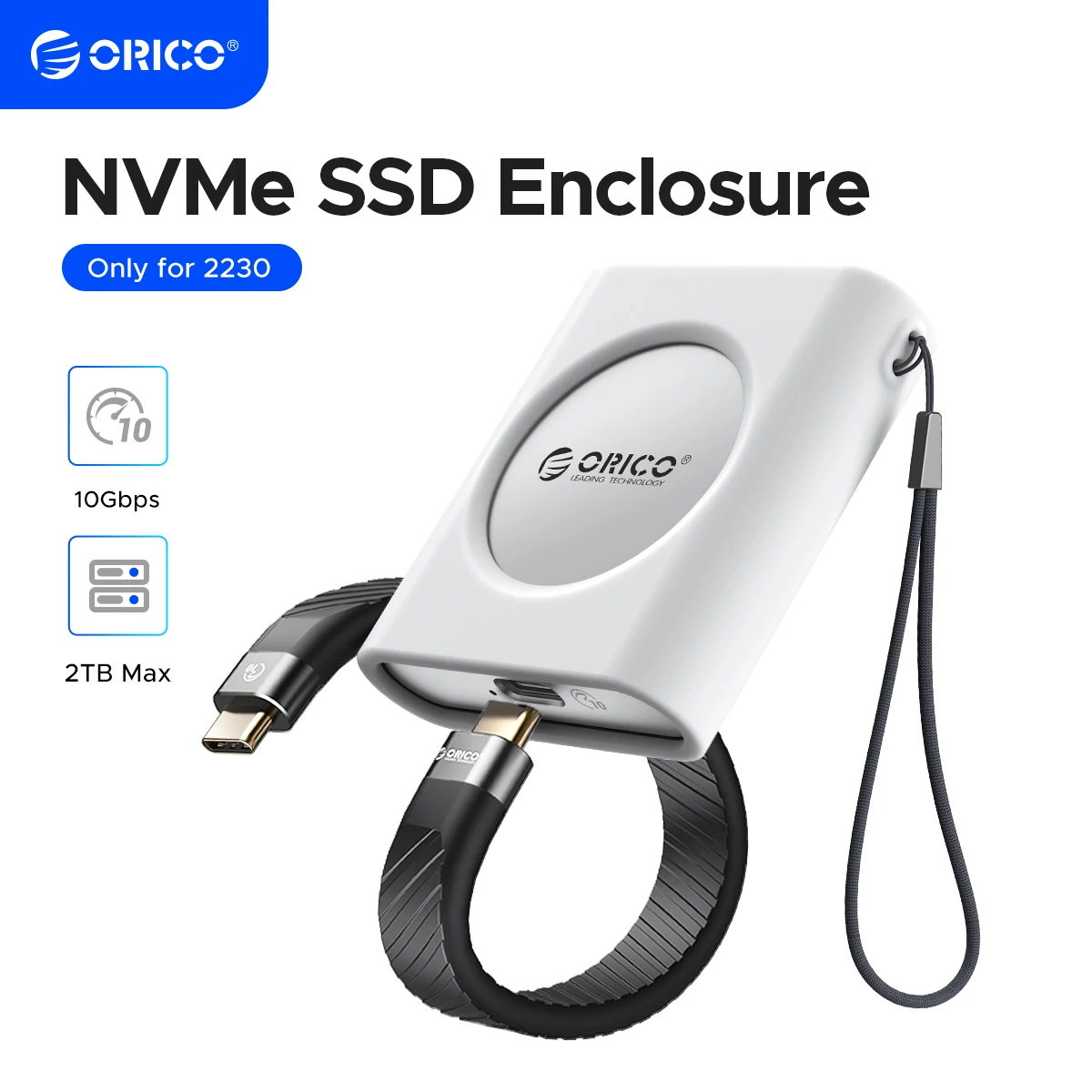
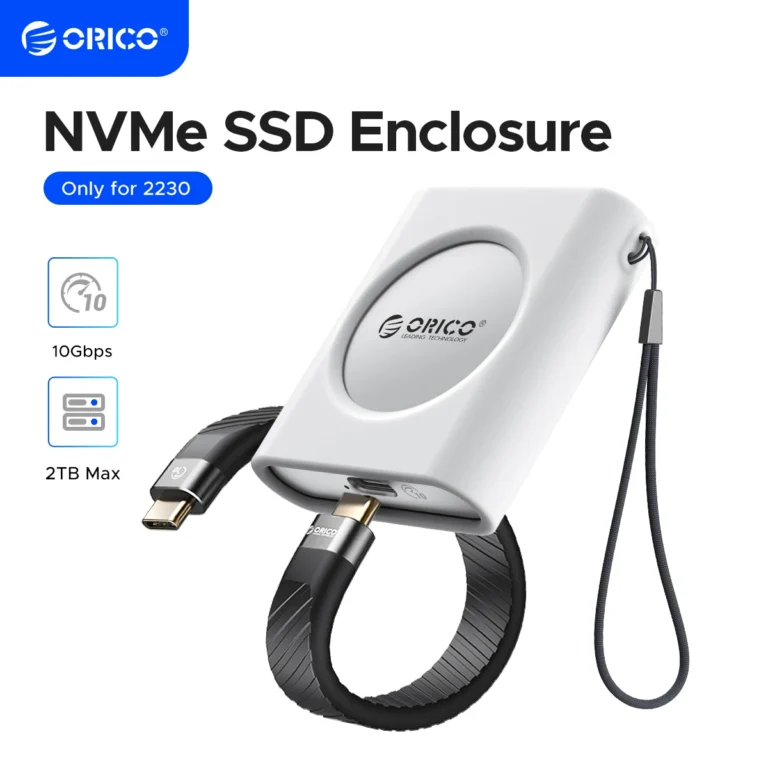
The ORICO enclosure is the narrower tool, but it is still the better first buy for anyone whose real headache is storage churn. It gives old or spare 2230 drives a clean second life and makes backups or transfers less annoying.
Store: Orico Flagship Store
Rating: 4.9
Orders: 292 sold
SELECTION REASON
It made the shortlist because it solves a very specific handheld problem well: tiny SSDs do not stop mattering after you remove them, and a solid enclosure lets them stay useful.
USE CASE
Best for Steam Deck or ROG Ally owners who swap drives, keep a spare 2230 around, or want quick external storage without buying a larger desktop-style enclosure.
STANDOUT POINT
The standout point is fit. A normal SSD enclosure is too large for this niche, while this one matches the exact kind of drive handheld users actually keep around.
WATCH-OUT
If you do not already own a spare 2230 NVMe drive, the enclosure can feel like buying a tool before you even know whether the storage workflow exists.
Check the ORICO 2230 enclosure
FINAL CALL
Buy the Hagibis card first if you want the desk itself to do more, especially with a monitor, dock, or capture workflow already in play.
Buy the ORICO enclosure first only if your real friction is storage swapping and you already have a 2230 SSD that deserves a cleaner second job.
Skip if your handheld setup still has more basic gaps than capture or storage.
This guide is based on official specs, seller listings, price ranges, and repeated buyer pain points. It is not presented as a hands-on lab test when no hands-on test was done.
FAQ
Is this a hands-on test?
No. This guide is a buying decision brief built from official specs, seller listings, pricing ranges, and repeated buyer pain points. It should be used as a checkout filter, not a lab review.
What should I check before buying?
Check platform support, grip comfort, receiver storage, stick layout, and whether the extra dock or feature will be used.
When should I skip both options?
Skip both if you only play one platform and your current controller is already comfortable.