Monitor Light Bar vs Clip-On Lamp for a Tiny Desk
This post contains AliExpress affiliate links. If you order through them, we may earn a small commission at no extra cost to you.
This is a useful search page because it solves a practical desk setup question. It needs a clearer first-screen answer and links toward newer light-bar guides.
Before buying, check model names, seller ratings, shipping cost, return windows, and cable or mounting compatibility. Small desk accessories fail most often when the size or cable direction is wrong.

Quick verdict: Pick the monitor light bar if your tiny desk is mostly a screen-first setup and you want cleaner light without giving up surface space. Pick the clip-on desk lamp if the light needs to reach notebooks, shelves, or corners that sit outside the monitor zone.
Skip both if your ceiling light is already doing the job and the real problem is glare, monitor height, or a bad chair angle.
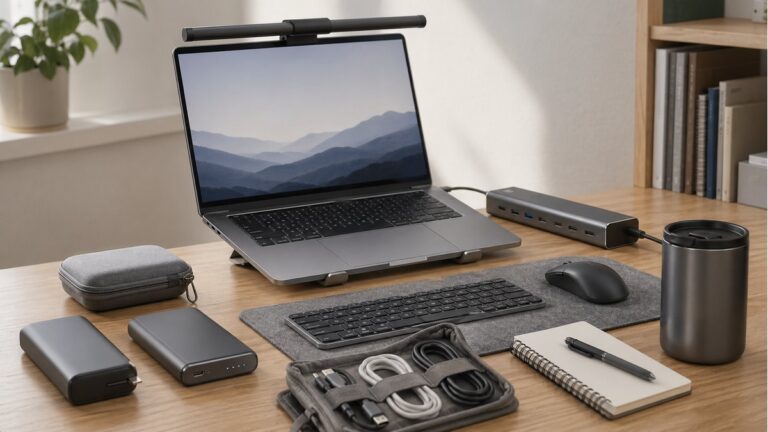
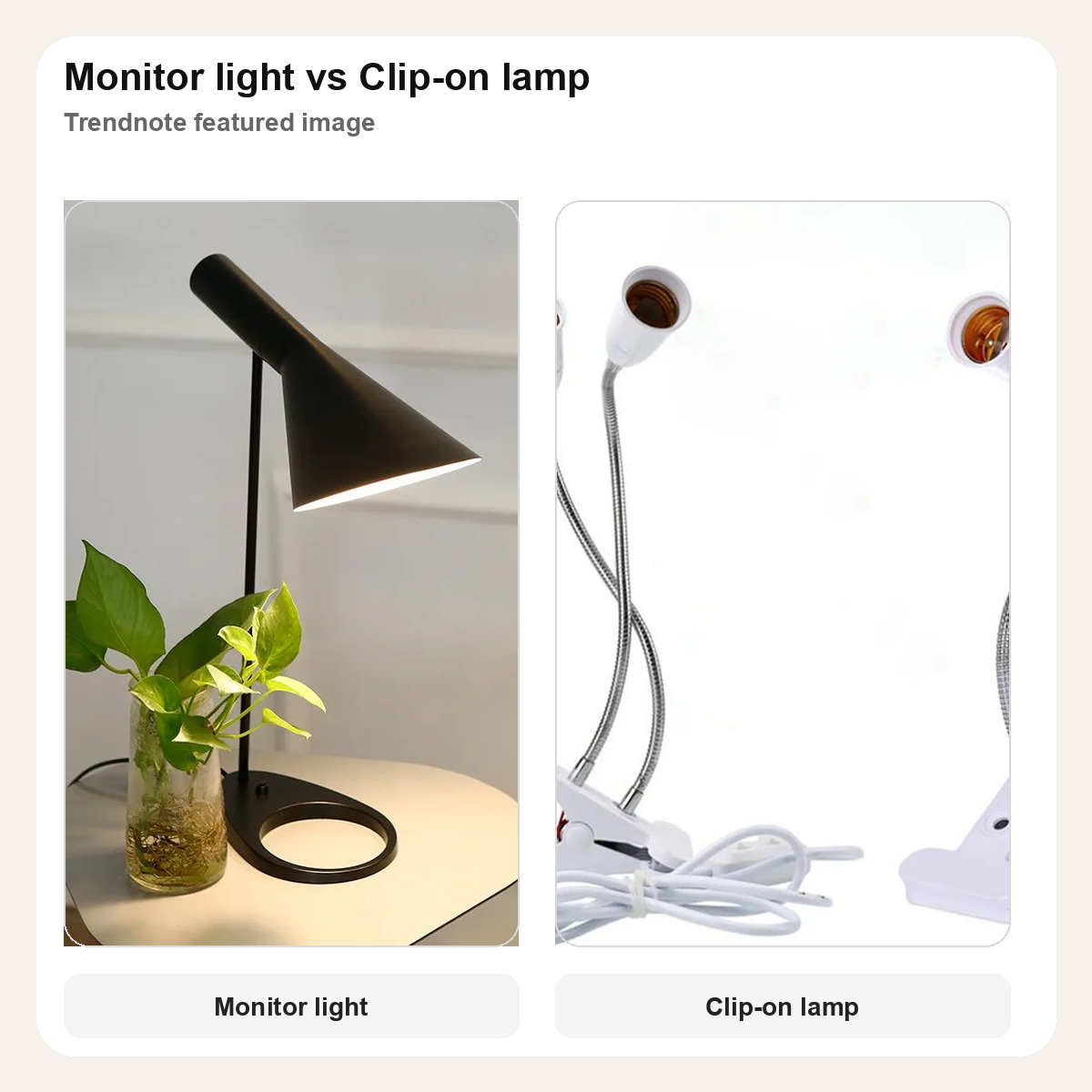
These two products solve the same cramped-desk problem in different ways. A monitor light bar keeps the light source attached to the screen, which is why it feels neater on a setup that mostly revolves around one monitor. A clip-on lamp is less tidy, but it is far more flexible when the desk also has books, a side shelf, or a work area that shifts during the day.
If the real desk problem is still choosing between light and utility, the dock vs monitor light comparison is a strong follow-up.
At a glance
| Pick | Best for | Visible signal | Watch-out |
|---|---|---|---|
| Monitor light bar | Screen-first desks that need cleaner task lighting | Purpose-built monitor format, strong desk-setup fit | Less useful once the light has to reach away from the monitor |
| Clip-on desk lamp | Small desks with notebooks, shelves, or mixed-use corners | Clamp format, flexible arm, more placement freedom | Looks more utilitarian and adds a visible arm to the setup |
Who should get which
Get the monitor light bar if the desk mainly exists for a laptop or monitor and you want the cleanest lighting fix with the least footprint.
Get the clip-on desk lamp if your light has to move between a keyboard, notebook, shelf, or craft corner and one fixed beam is too limiting.
Skip both if the real issue is still poor ambient room light or a layout that makes the desk uncomfortable before lighting even enters the picture.
Before you order
- If your monitor has a thick or unusual top edge, check whether the light bar mount will sit cleanly.
- If the desk changes shape during the day, the clip-on format is easier to reposition than a screen-mounted bar.
- If cable clutter already annoys you, the light bar usually looks calmer on a minimalist setup.
- If your desk work happens off to one side, the clip-on lamp is the safer pick because it can aim beyond the monitor.
This guide may earn a commission when readers buy through affiliate links.
Pick #1
Baseus monitor light bar
Selection reason: This is the stronger default when the desk is centered around a screen and you want a lighting fix that feels built into the setup instead of added beside it.
Use case: monitor-first desks, laptop stands with an external screen, and small workstations where extra base clutter gets annoying fast.
Standout point: It frees up more desk surface than a normal lamp because the light source sits on the monitor instead of on the desk edge.
Watch-out: It only makes full sense when the main work area stays near the screen. Once the task shifts outward, the beam feels narrower.
Pick #2
Flexible clip-on desk lamp

Selection reason: This makes more sense when your tiny desk is not just a monitor station and the light has to travel to different spots during the day.
Use case: mixed notebook-and-monitor desks, shelf desks, bedside desks, or corners where the task area keeps shifting.
Standout point: The clamp and adjustable arm make it much easier to push light toward awkward corners than a fixed light bar ever will.
Watch-out: It solves reach better than neatness. If the whole point is to make the setup look cleaner, the arm can feel busier.
Final call
Pick the monitor light bar if your tiny desk is really a screen setup first and you want the cleaner visual result. Pick the clip-on desk lamp if you need the light to follow the work, not just the monitor.
The narrow judgment is simple: the light bar is better for tidy screen-centric desks, while the clip-on lamp is better for flexible small-space work.
This guide is based on official specs, seller listings, price ranges, and repeated buyer pain points. It is not presented as a hands-on lab test when no hands-on test was done.
FAQ
Is this a hands-on test?
No. This guide is a buying decision brief built from official specs, seller listings, pricing ranges, and repeated buyer pain points. It should be used as a checkout filter, not a lab review.
What should I check before buying?
Check desk width, cable direction, mounting space, brightness needs, and whether the upgrade removes a daily desk problem.
When should I skip both options?
Skip both if your desk problem is posture or chair height rather than the accessory itself.